The AI app builder that as it builds.
Watch an app get built.
Then try it, change it, and publish it.
Built with Coddy Build
Real apps. All live.
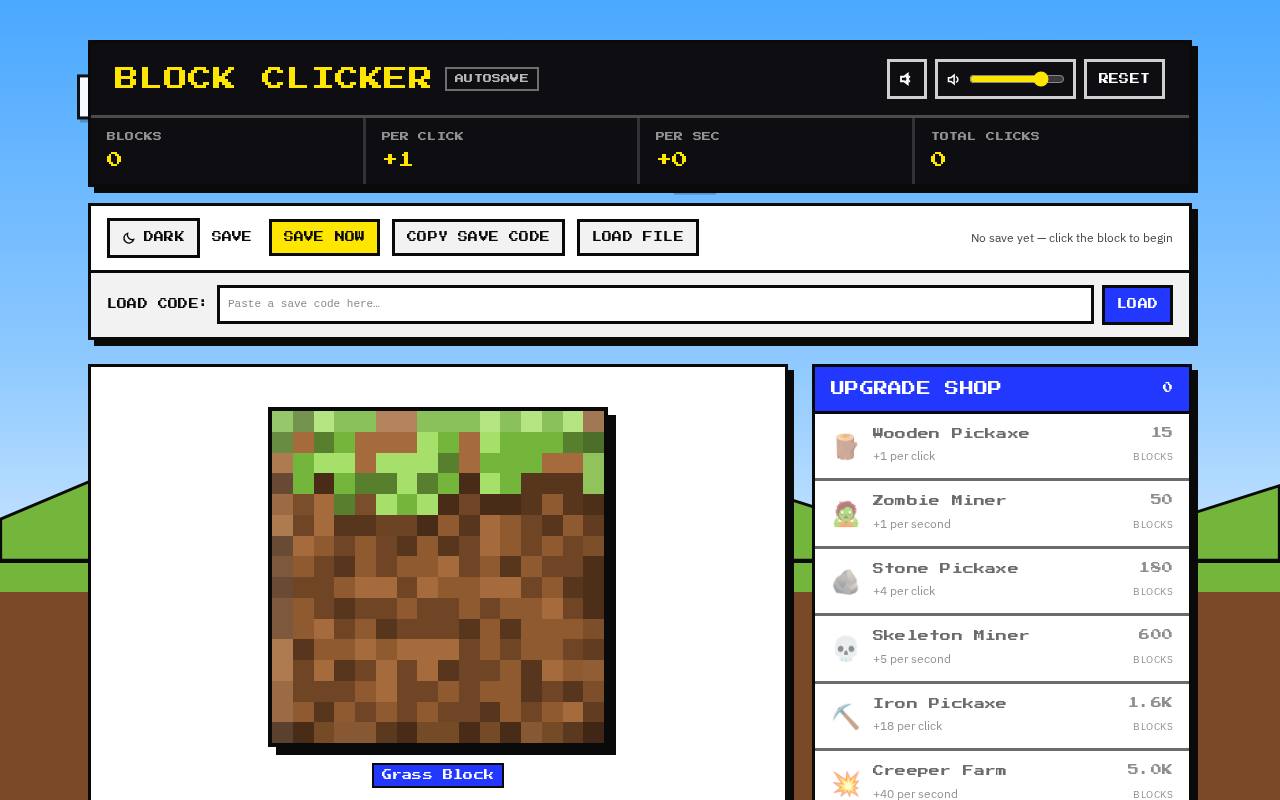 Voxel Block ClickerGameClick pixelated blocks to mine them and unlock new skins like diamond, emerald, and netherite as you progress.View live
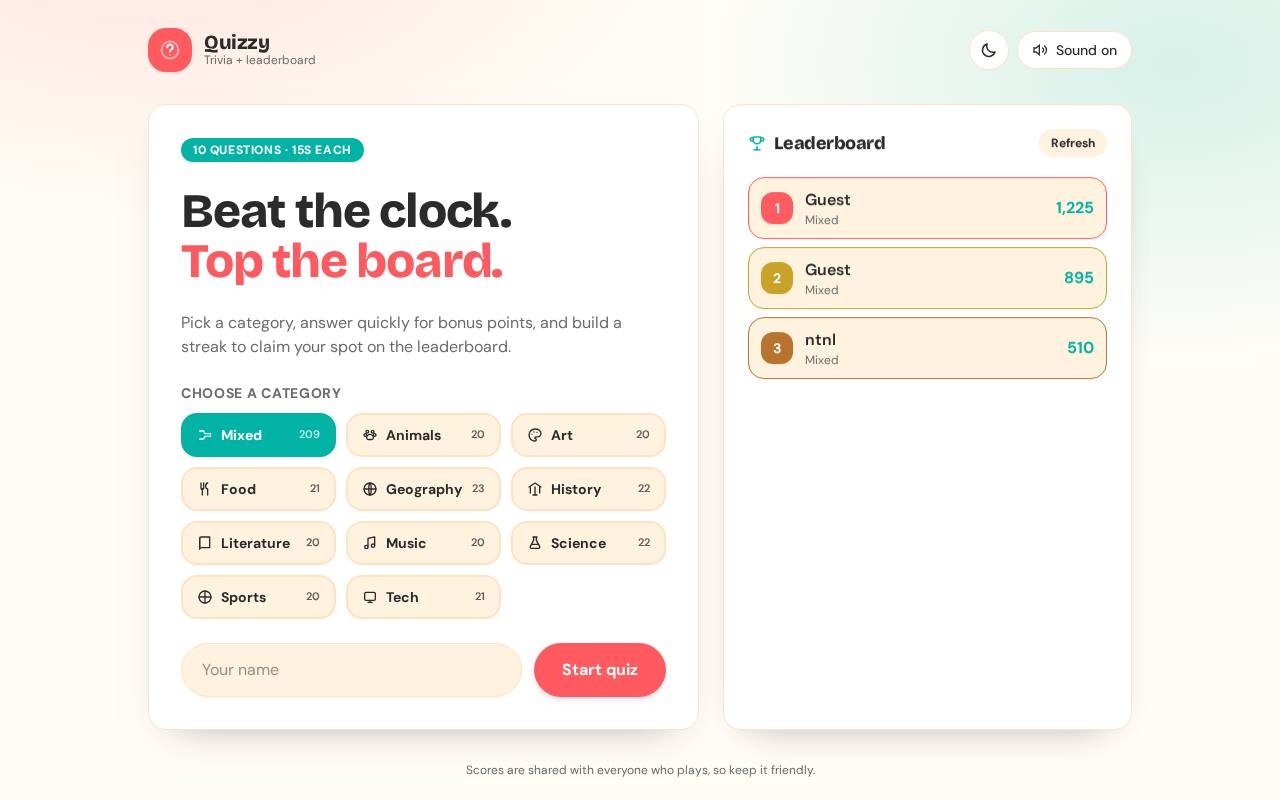 Trivia RushGameA fun trivia quiz game with timed rounds, multiple categories, and a competitive leaderboard to track high scores.View live
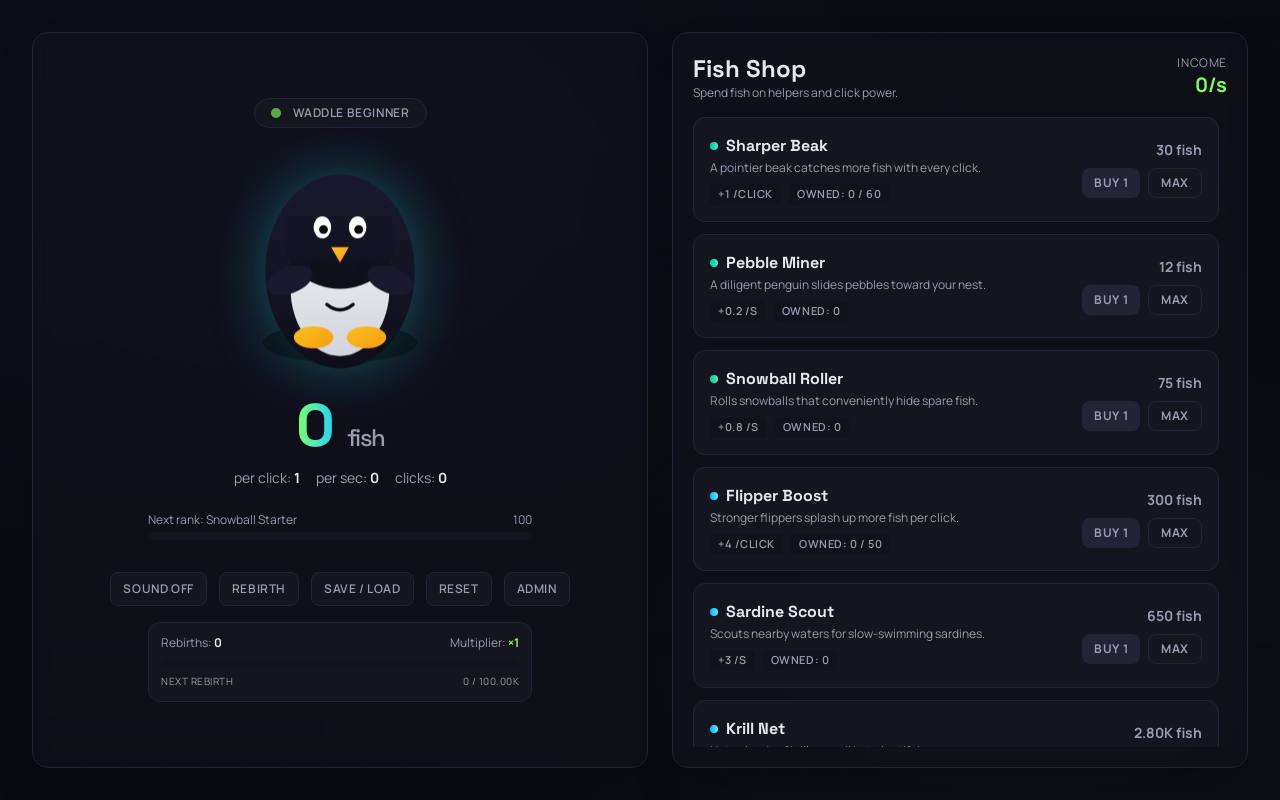 Penguin ClickerGameClick to catch fish and buy upgrades to build your penguin empire in this addictive incremental game.View live
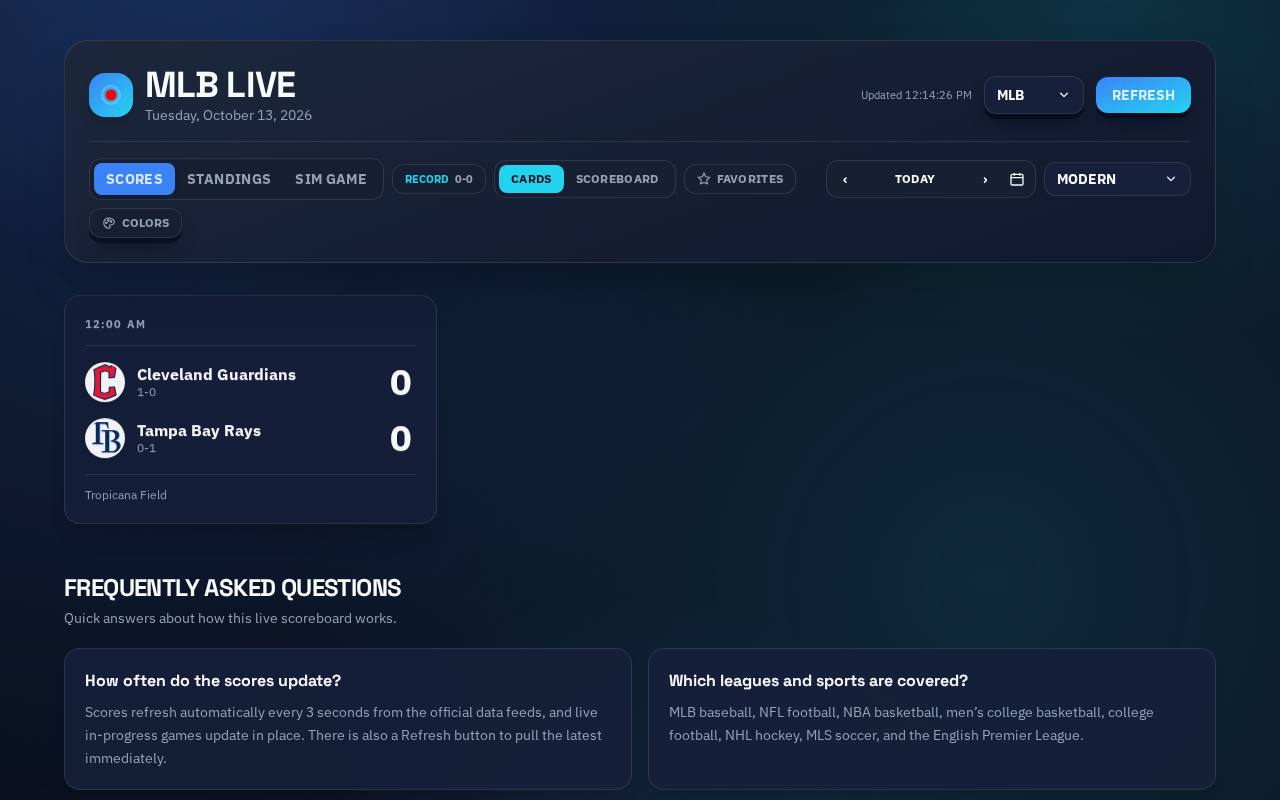 Live MLB ScoresSportsReal-time scoreboard tracking live MLB games with scores, standings, pitch counts, and inning details for every matchup.View live
 Elegant PortfolioPortfolioElegant portfolio showcasing typographic design work and thoughtful writing for brands valuing restraint and sophistication.View live
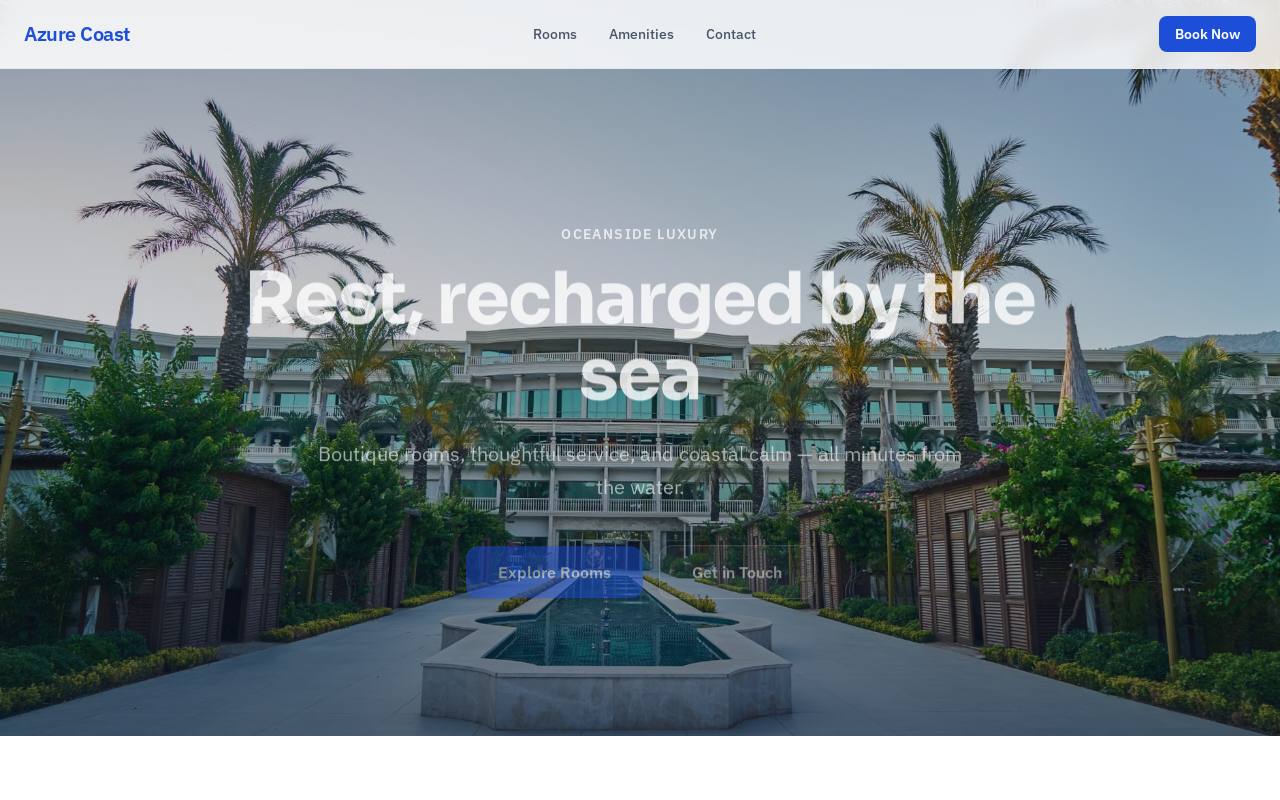 Hotel Website BuilderLanding pageA luxury boutique hotel site featuring ocean-view rooms, pool, spa, dining, and a contact form for bookings.View live
How it works
From a sentence to a live app.
- 1
Describe it
Say what you want in plain English.
- 2
Build and explore
Watch the preview take shape. See what changed, ask how it works, or keep building.
- 3
Publish
One click, live URL. A database and sign-in are added when you need them.
What you get
One build, start to finish
An example of building, making changes and understanding them along the way.
- You
A booking page for my barber shop with a contact form
- Coddy BuildPlan first
Plan: hero, opening hours, booking form, footer. Building it now.
- Coddy BuildCode you can read
Added a booking form and opening hours. Open the change summary to see what each file does.
app/page.tsxcomponents/BookingForm.tsx+3 - Live preview
Preview refreshed
- Coddy BuildBuilt-in backend
The form needs somewhere to save bookings. Enabled the backend and created a bookings table.
- You, in the previewVisual Edit
Clicked the headline in the preview and changed it to "Book your next cut"
- You
Add an assistant that answers questions about opening hours
- Coddy BuildAI inside your app
Added a chat widget. It answers from your hours and services.
- Publish to a live URL
Published to barber-shop.coddy.build
Questions
What is Coddy Build?
Coddy Build is an AI app builder that explains as you go. Describe your idea, build and publish it, and explore what changed and how it works along the way.
Is Coddy Build free?
Yes. You start free with no credit card, and publishing is included. Paid plans add more credits, custom domains and a badge-free site.
Do I need to know how to code?
No. Describe what you want in plain language, then explore the explanations whenever you are curious. Every file is also available to read.
How does Coddy Build help me understand my app?
Change summaries explain what changed and why, and concept cards define unfamiliar terms. You can ask about a change, a file or selected code without editing your app.
Do I have to read the explanations?
No. Keep building and publishing at your own pace, and open a summary or concept card when you want more detail. Explanations are part of the workspace, with no lessons to complete.
What can I build?
Websites, landing pages, portfolios, dashboards, small SaaS tools, games, and apps with user accounts and a database.
Can I see and edit the code?
Yes. Each project is a standard Next.js app, and the Code tab shows every file. Change it by chatting or by clicking elements in the preview.
Does it support a database and user login?
Yes. When your app needs them, the builder sets up a database, authentication, file storage and server functions for that project.
Where is my app hosted?
On its own coddy.build address, as a fast static site. Paid plans can use a domain you own.
Does it work on a phone?
Yes. Coddy Build runs in the browser on phones and tablets: chat, live preview, publishing and a read-only view of the code, with the fuller toolset on a desktop. Add it to your home screen to open it like an app. The apps you publish work everywhere.
Start with a sentence
Free to start. No credit card.