








导航菜单
本课属于 Coddy HTML 学习旅程的“使用 CSS 添加样式”单元。第 67 课,共 76 课。

挑战
简单在这个项目中,我们将构建并设计一个介绍汤加的简单网页。汤加是一个美丽的波利尼西亚岛国。
这个项目会让你练习 CSS,学习如何运用实际的样式设计技巧。在此过程中,我们将重点学习基本布局和响应式设计的概念。在这个项目中,我们使用外部 CSS 文件为 HTML 文档添加样式。你可以看到两个文件:HTML 文件和已为你关联好的 CSS 文件。本单元结束时,你的网页大致会是这样:
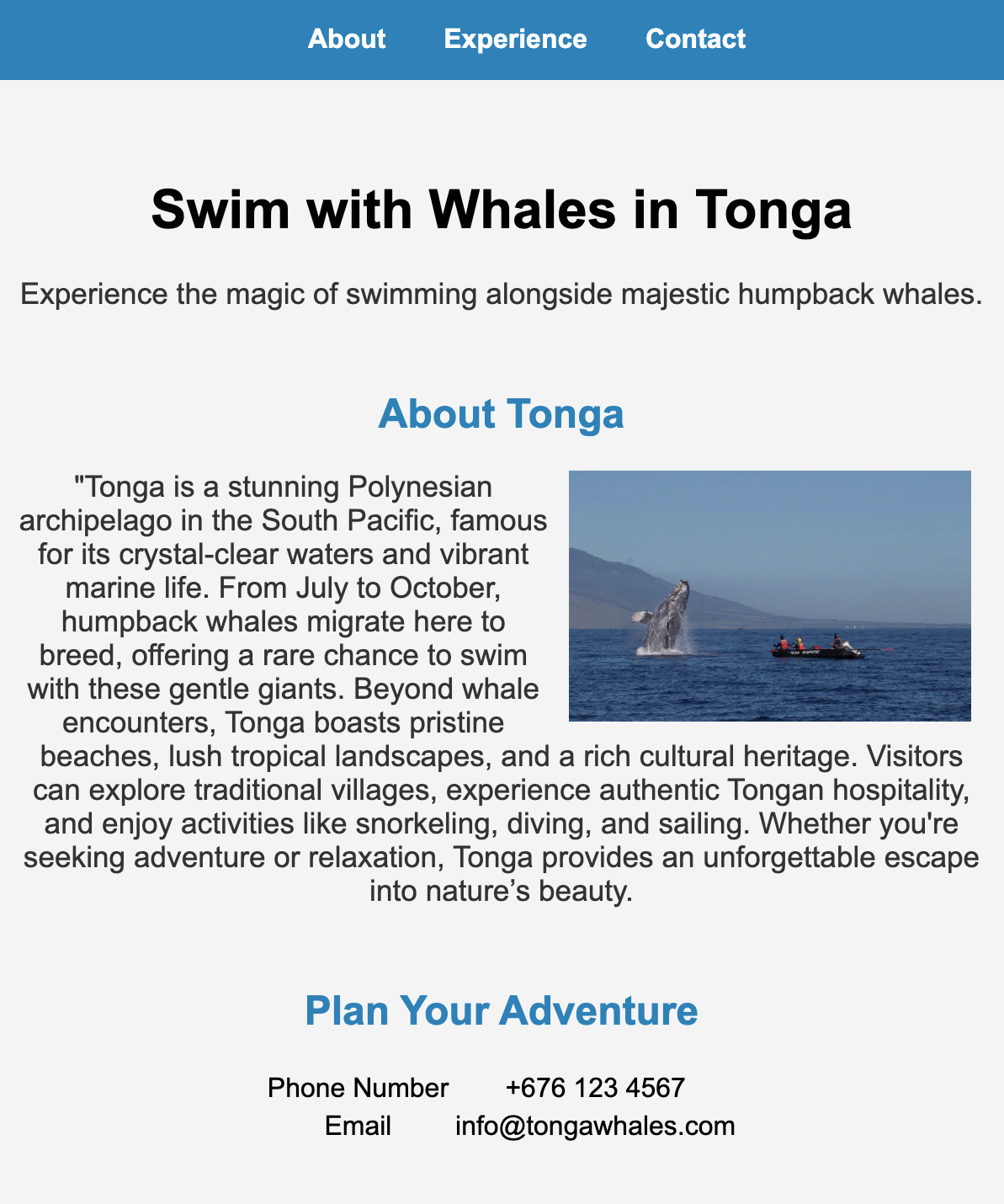
按照以下步骤为导航菜单添加样式:
- 选择类为
.menu的元素 - 应用样式,让它固定在页面顶部。
- 设置背景色,让菜单更加醒目。
- 添加内边距,让菜单内部留出一些空间。
- 将
top和left设为0,这样滚动页面时菜单会保持在页面顶部。 - 让菜单占据整个页面宽度。
- 将
z-index属性设为100,确保菜单显示在最上层。
为菜单中的链接 a 添加样式:
- 使用
text-decoration: none;移除链接默认的下划线。 - 将字体粗细设为粗体,让链接清晰易读。
- 添加外边距,让链接均匀分布。
- 设置与背景形成鲜明对比的文字颜色,以提高可读性。
亲手试试
<html>
    <head>
        <title>Swim with Whales in Tonga</title>
        <link rel="stylesheet" href="styles.css">
    </head>
    <body>
        <nav class="menu">
            <a href="#">About</a>
            <a href="#">Experience</a>
            <a href="#">Contact</a>
        </nav>
        <header class="welcome">
            <h1>Swim with Whales in Tonga</h1>
            <p>Experience the magic of swimming alongside majestic humpback whales.</p>
        </header>
        <section class="about">
            <h2>About Tonga</h2>
            <img src="https://upload.wikimedia.org/wikipedia/commons/8/88/Hawaiian_Islands_Humpback_Whale_National_Marine_Sanctuary_breaching_2018.png">
            <p>Tonga is a stunning Polynesian archipelago in the South Pacific, famous for its crystal-clear waters and vibrant marine life. From July to October, humpback whales migrate here to breed, offering a rare chance to swim with these gentle giants. Beyond whale encounters, Tonga boasts pristine beaches, lush tropical landscapes, and a rich cultural heritage. Visitors can explore traditional villages, experience authentic Tongan hospitality, and enjoy activities like snorkeling, diving, and sailing. Whether you're seeking adventure or relaxation, Tonga provides an unforgettable escape into nature’s beauty.</p>
        </section>
        <section class="contact">
            <h2>Plan Your Adventure</h2>
            <table>
                <tr>
                    <td>Phone Number</td>
                    <td>+676 123 4567</td>
                </tr>
                <tr>
                    <td>Email</td>
                    <td>info@tongawhales.com</td>
                </tr>
            </table>
    </section>
</body>
</html>使用 CSS 添加样式中的所有课

自己练习: Web 在线编辑器