








Make your own games
Join over 5,964,414 learners
Get startedAlready have an account? Log in
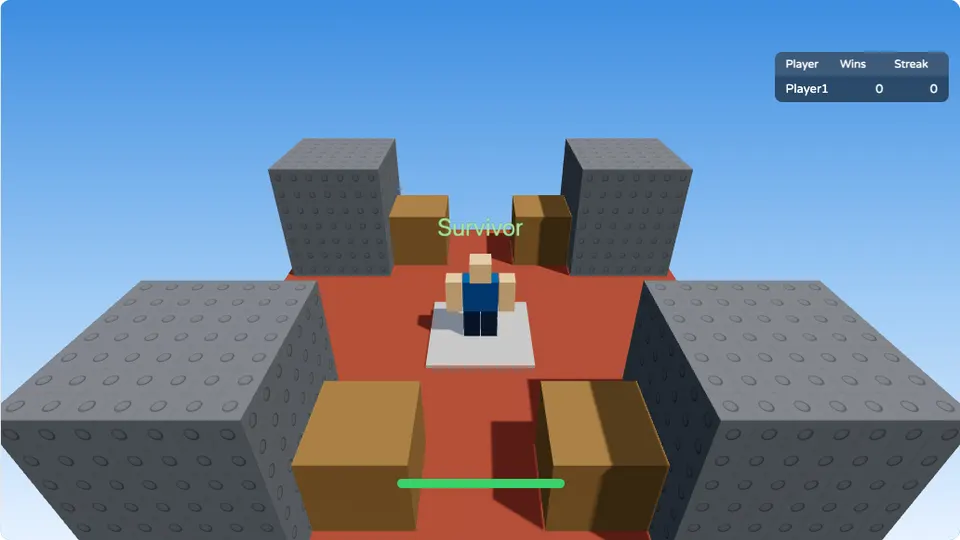
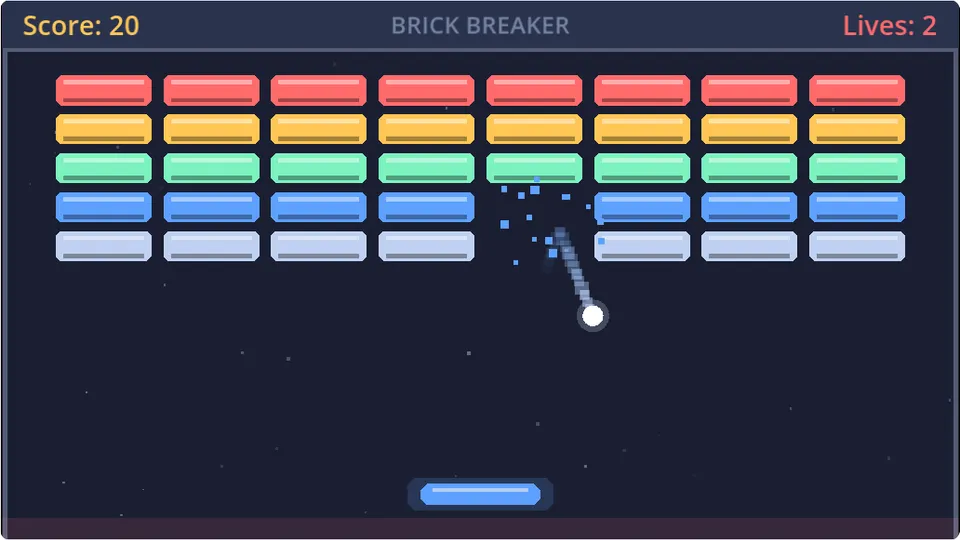
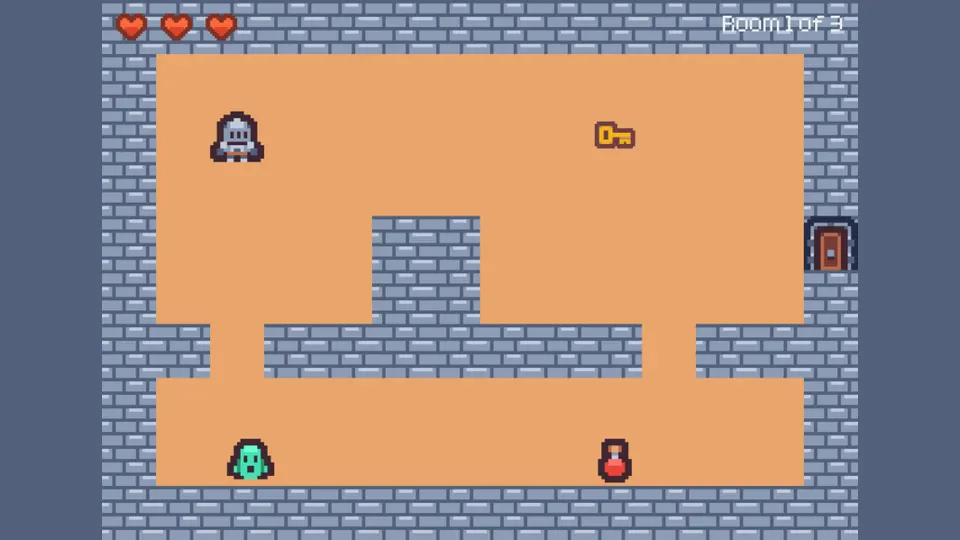
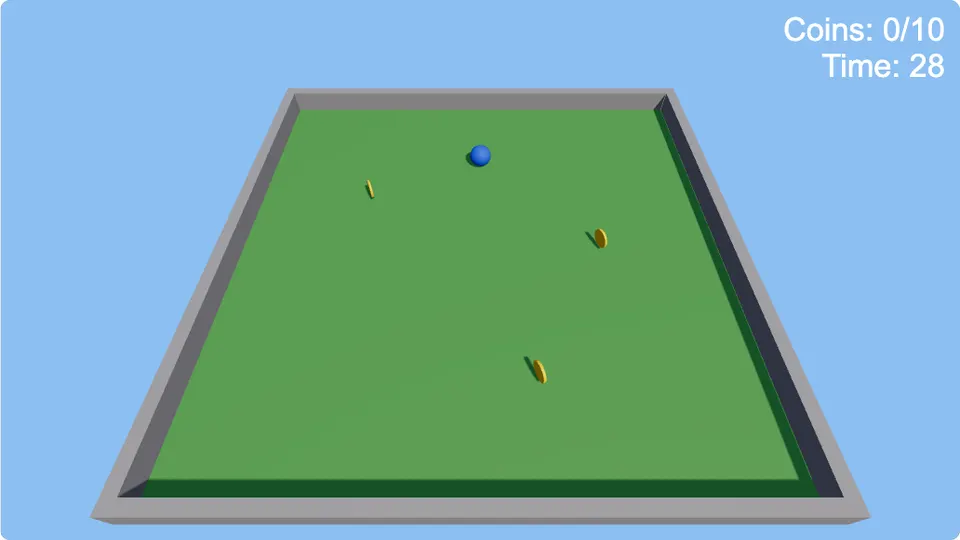
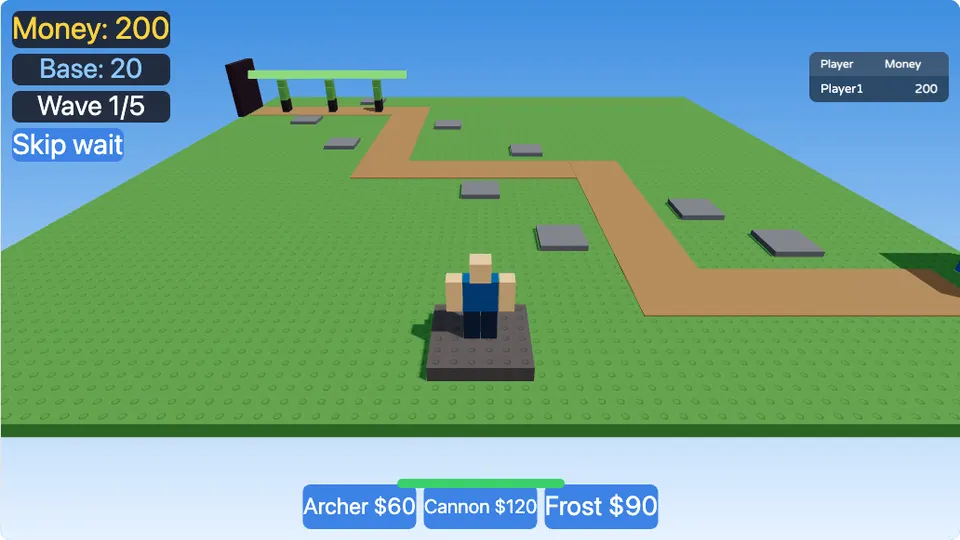
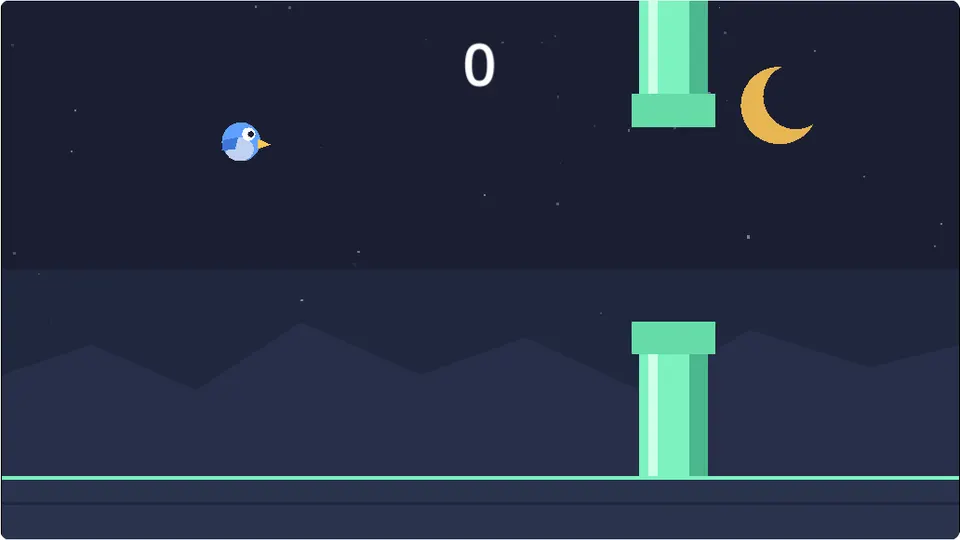
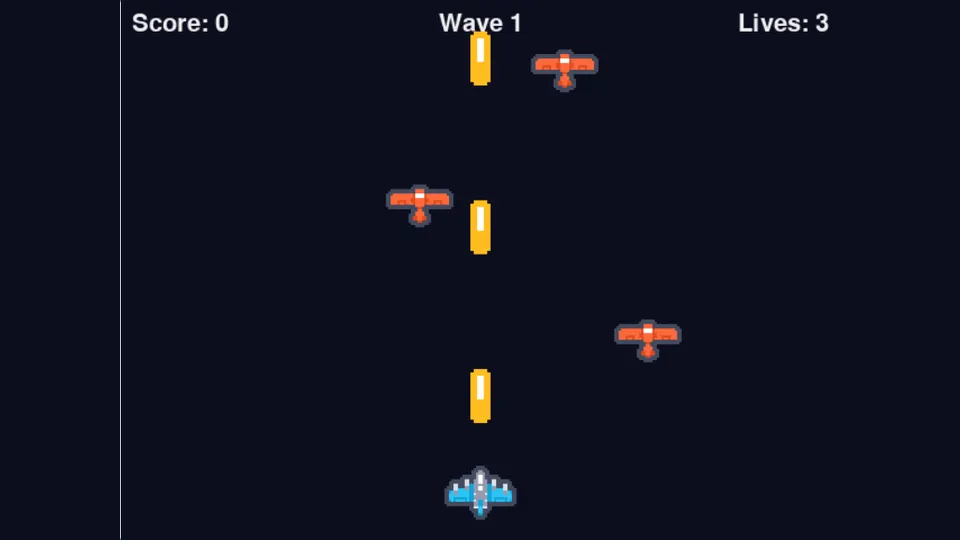
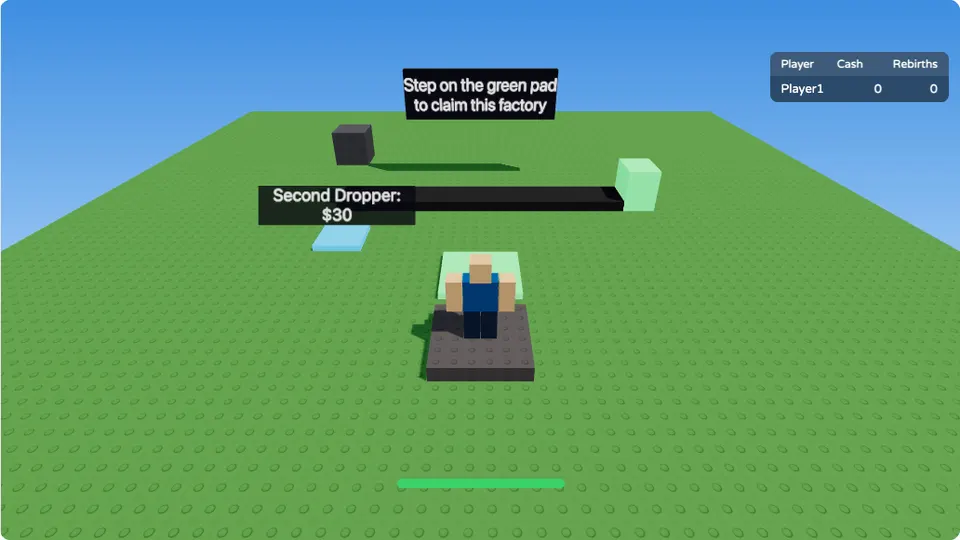
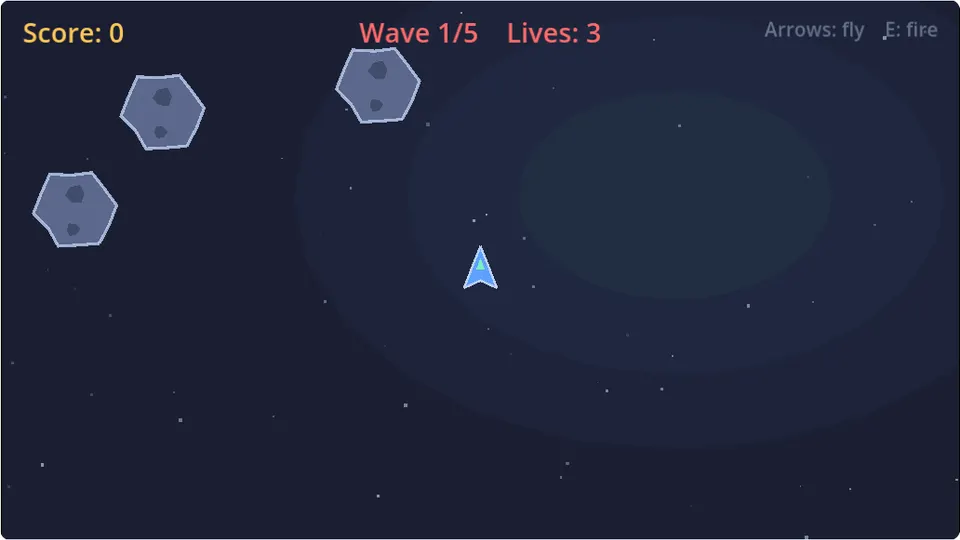
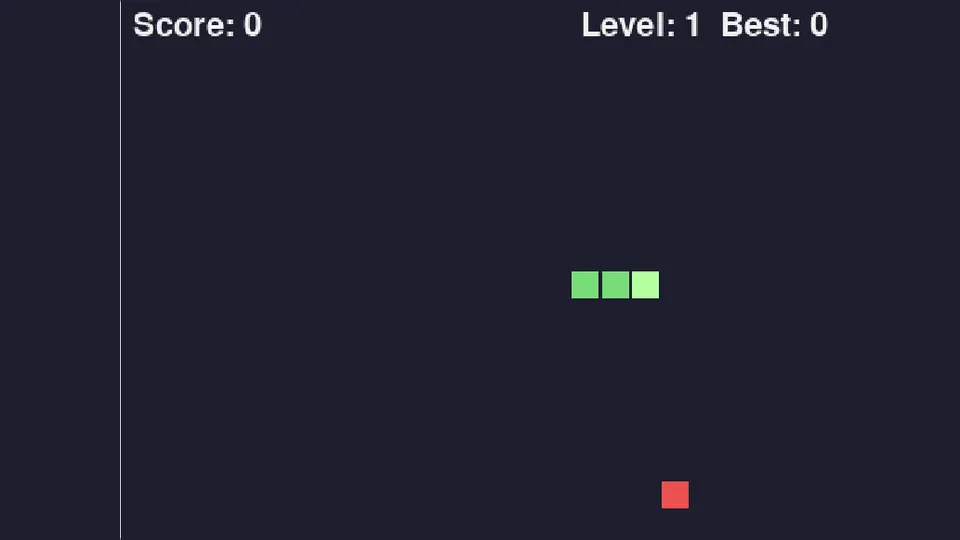
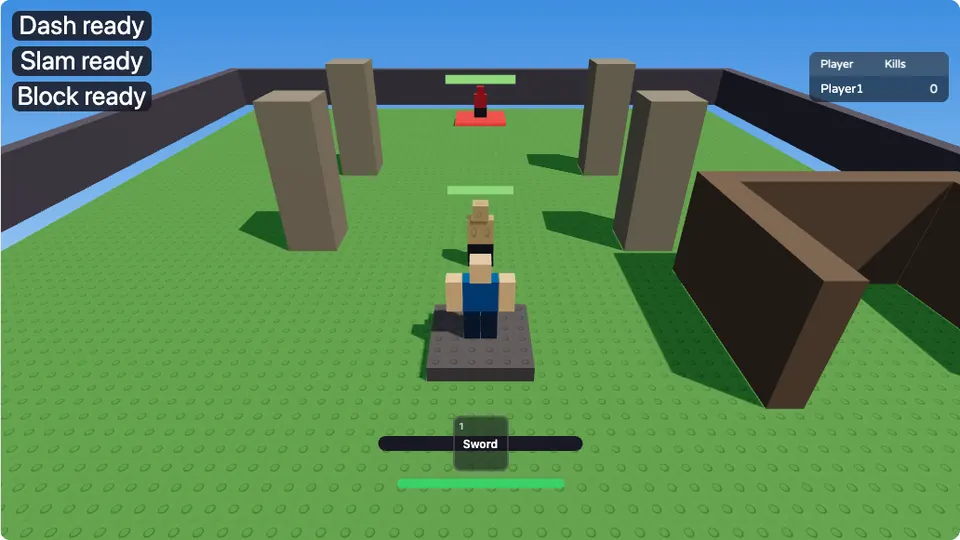
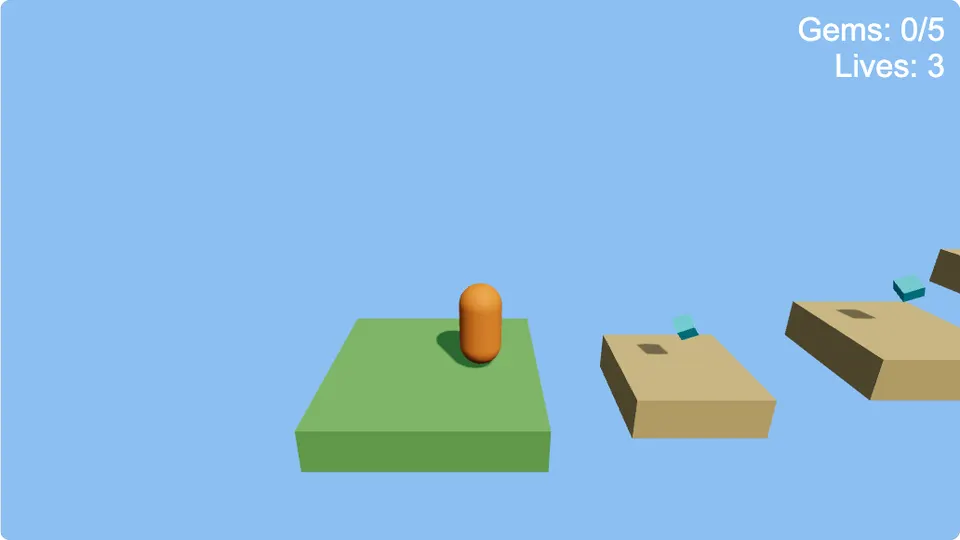
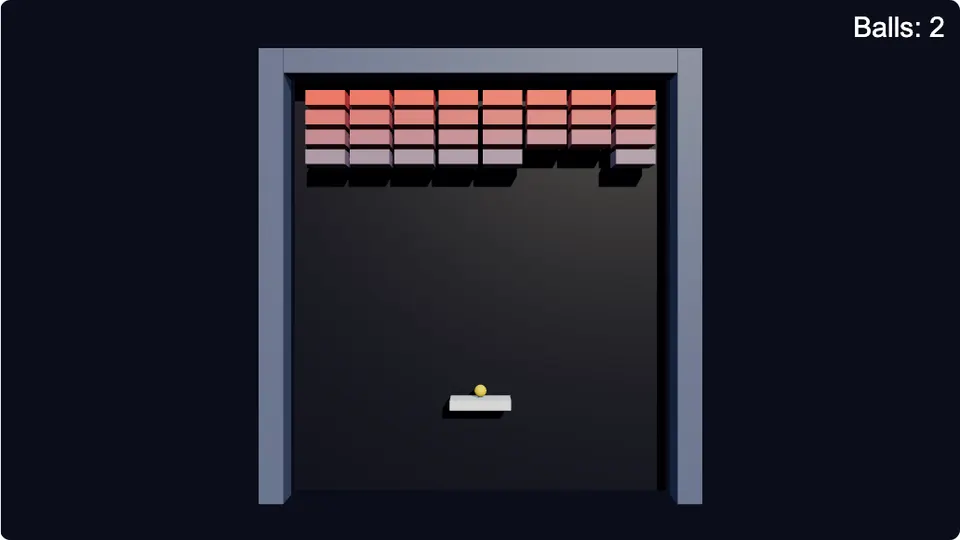
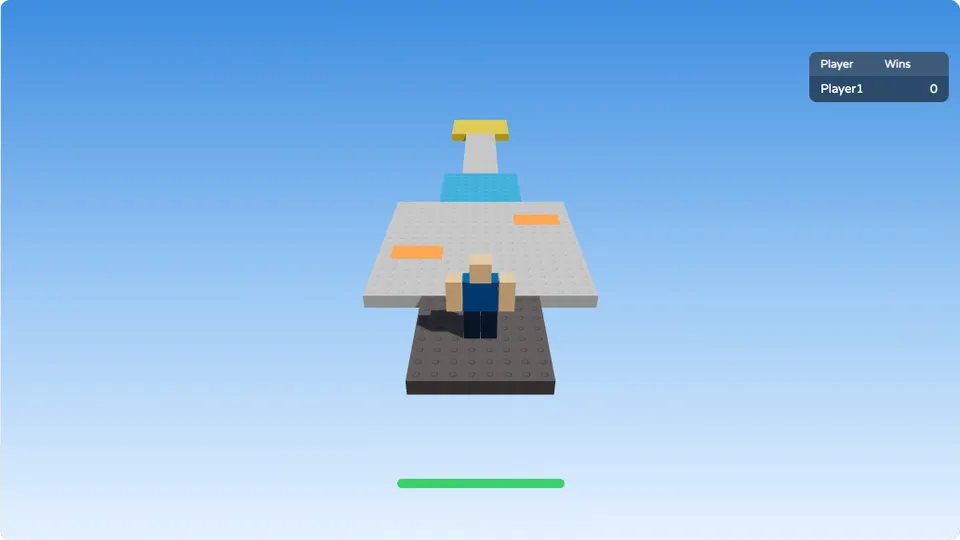
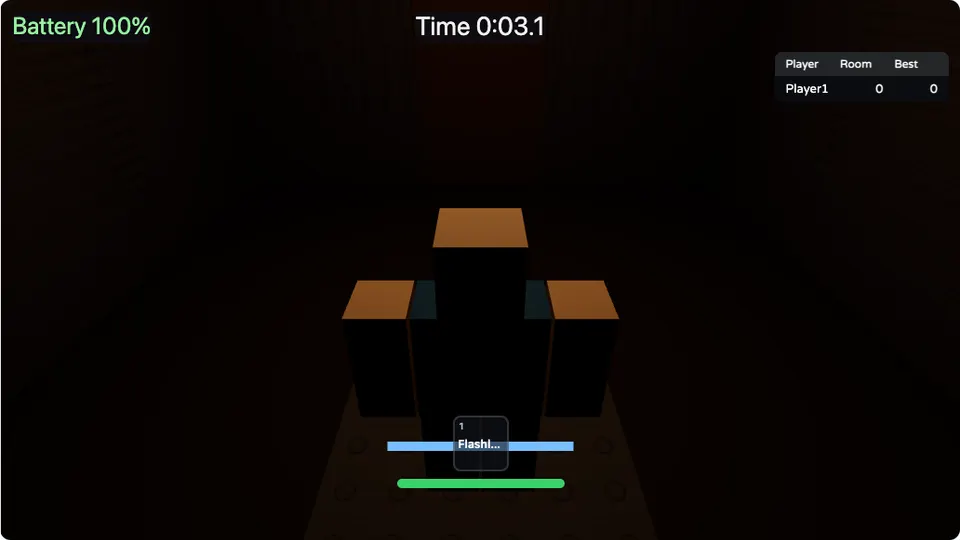
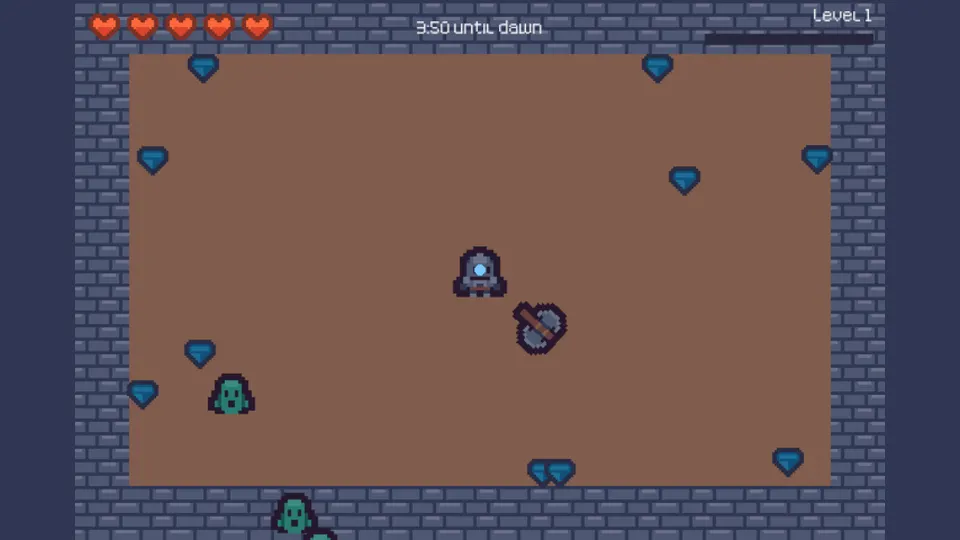
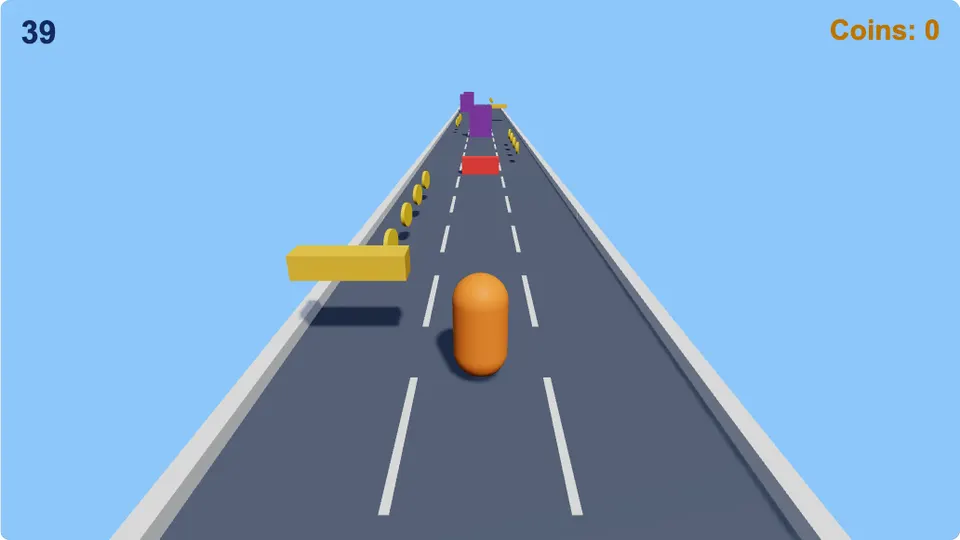
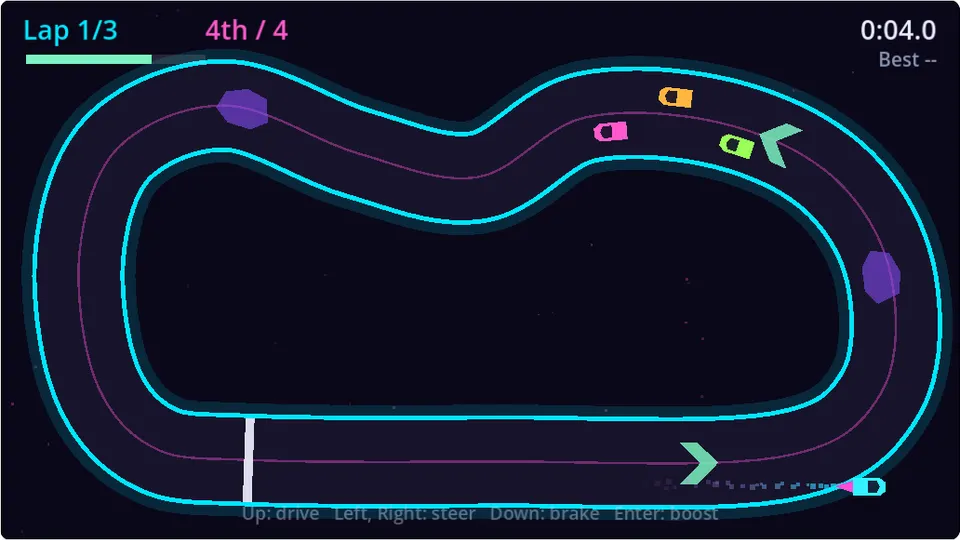
Change the code, change the game
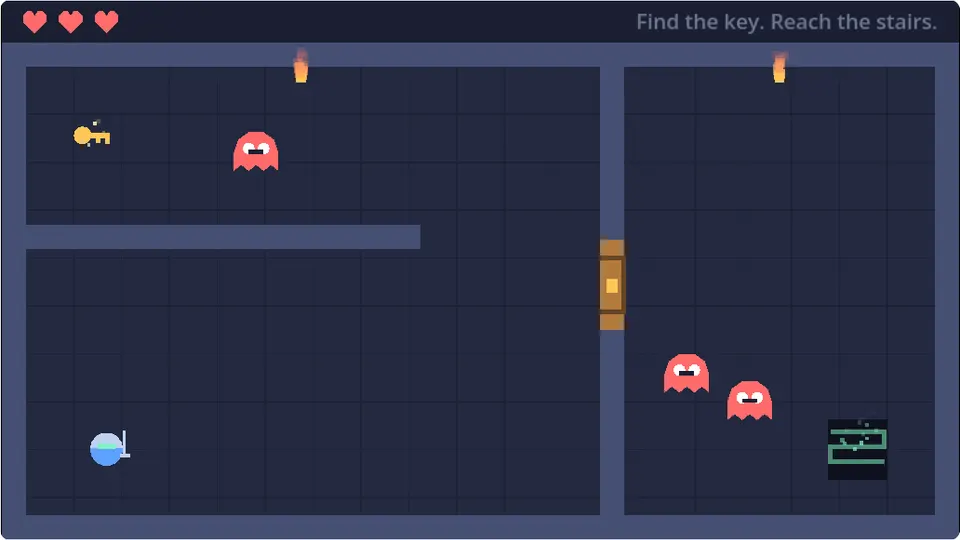
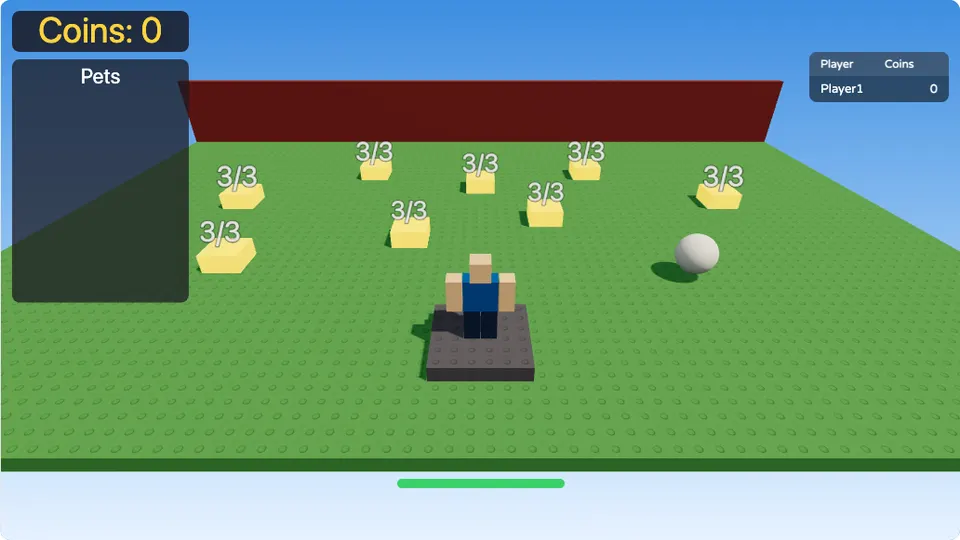
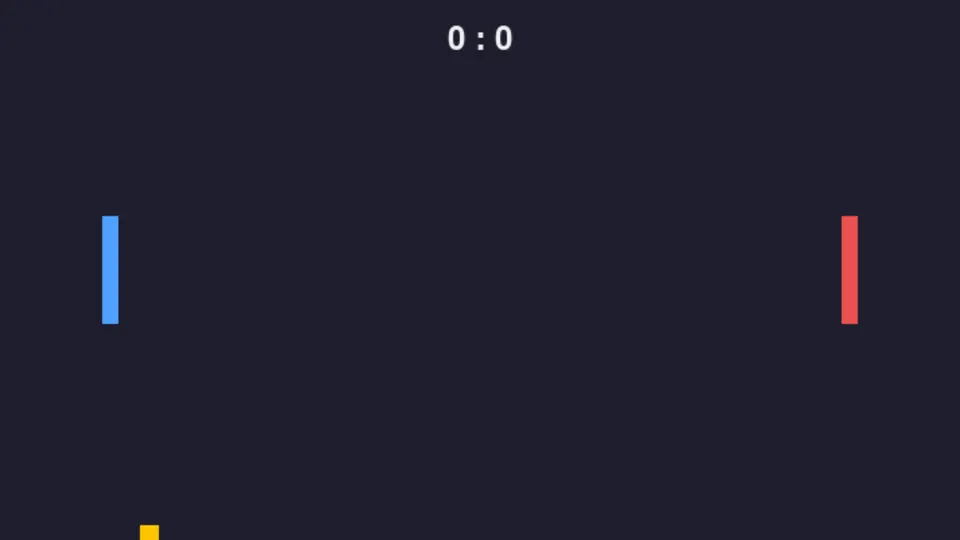
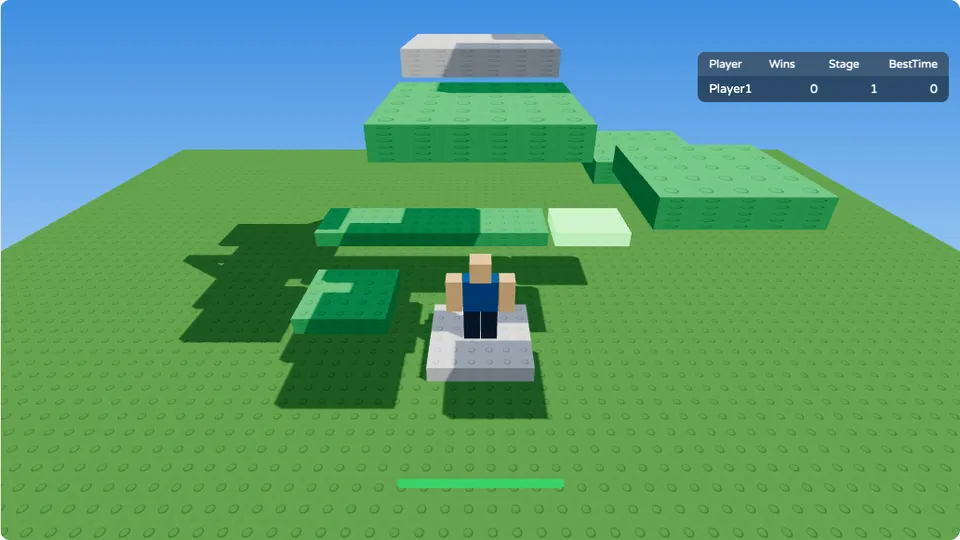
Real games from the lessons. Pick one, press Play, then change a number in the code and see what it does.
Touching the lava sets the player's Health to 0. Change that 0 on line 6 to 50, press Play, and the lava only hurts.
local lava = script.Parent

lava.Touched:Connect(function(hit)
	local humanoid = hit.Parent:FindFirstChild("Humanoid")
	if humanoid then
		humanoid.Health = 0
	end
end)
Pick an engine, follow its roadmap
Four free roadmaps from your first script to finished games. Each one puts the courses in the order you need them.


- Roblox scripting
- Your first three games
- The client and the server
- Combat and AI enemies
Build Your Streak
Stay consistent and watch your progress grow! Track your daily coding habit, protect your streak with freeze days, and earn rewards for showing up every day.
12 days streak
Return tomorrow to keep your streak!


January 2026

1
2
3
4
5
6
7
8
9
10
11
12
13
14
15
16
17
18
19
20
21
21
22
23
24
25
26
27
28
29
30

Double or Nothing
Day 5 of 7

Streak Freeze
2 left
Earn a Certificate
Earn certificates for every course you complete. Add them to your LinkedIn profile and resume to showcase your coding expertise to employers.
 Certificate of Completion
 Python Fundamentals
 Add to LinkedIn
Play games made with code
Every game in the Arcade comes with the course that builds it. Play one, then remix it into your own project and change any line.
Frequently asked questions about learning game development
Can I learn game development with no coding experience?
Yes. The Roblox, Godot and pygame courses teach their language inside a game, one idea at a time, and the Unity path starts with the C# basics in a 3D scene. You write code from the first lesson and see what it does in the game straight away.
Which game engine should I start with?
Start with the games you want to make. Roblox is for obbies, tycoons and survival games, scripted in Luau. Unity is for 3D games in C#, the engine many studios use. Godot is free and open source, made for 2D as much as 3D, and its GDScript reads a lot like Python. pygame makes 2D games in plain Python, a good fit if you already know Python or want to learn it.
Do I need to install a game engine?
No. Every lesson runs in your browser beside the editor. Godot lessons run the real Godot engine and pygame lessons the real pygame-ce. Roblox and Unity lessons run on Coddy's own engines, which copy the part of each one's API the lessons teach. To publish a game of your own later, you use the engine's free editor on your computer, and your code carries over.
What is the Arcade?
The Arcade is where you play games made with code, right in your browser: Disaster Survival, Tower Defense, Brick Breaker, Snake and more. Each game links to the course that teaches how it was built, and Remix copies a game into your own projects so you can change its code.
Is learning game development on Coddy free?
Yes. The lessons, the games, the AI hints and the certificates are free. A free account works through a few lessons a day, and Pro removes the daily limit.
Do I get a certificate?
Yes. Every section and every project course gives you a free certificate of completion, and finishing a whole learning path earns a path certificate. Each one has its own page you can share or add to LinkedIn.
