








映画リスト
CoddyのHTMLジャーニー「CSSによるスタイリング」セクションの一部。レッスン 74/76。

チャレンジ
簡単4枚の映画カードをスタイル設定し、縦に並べましょう。最終的なデザインは以下の画像のようになりますが、色は自由に選んでください。
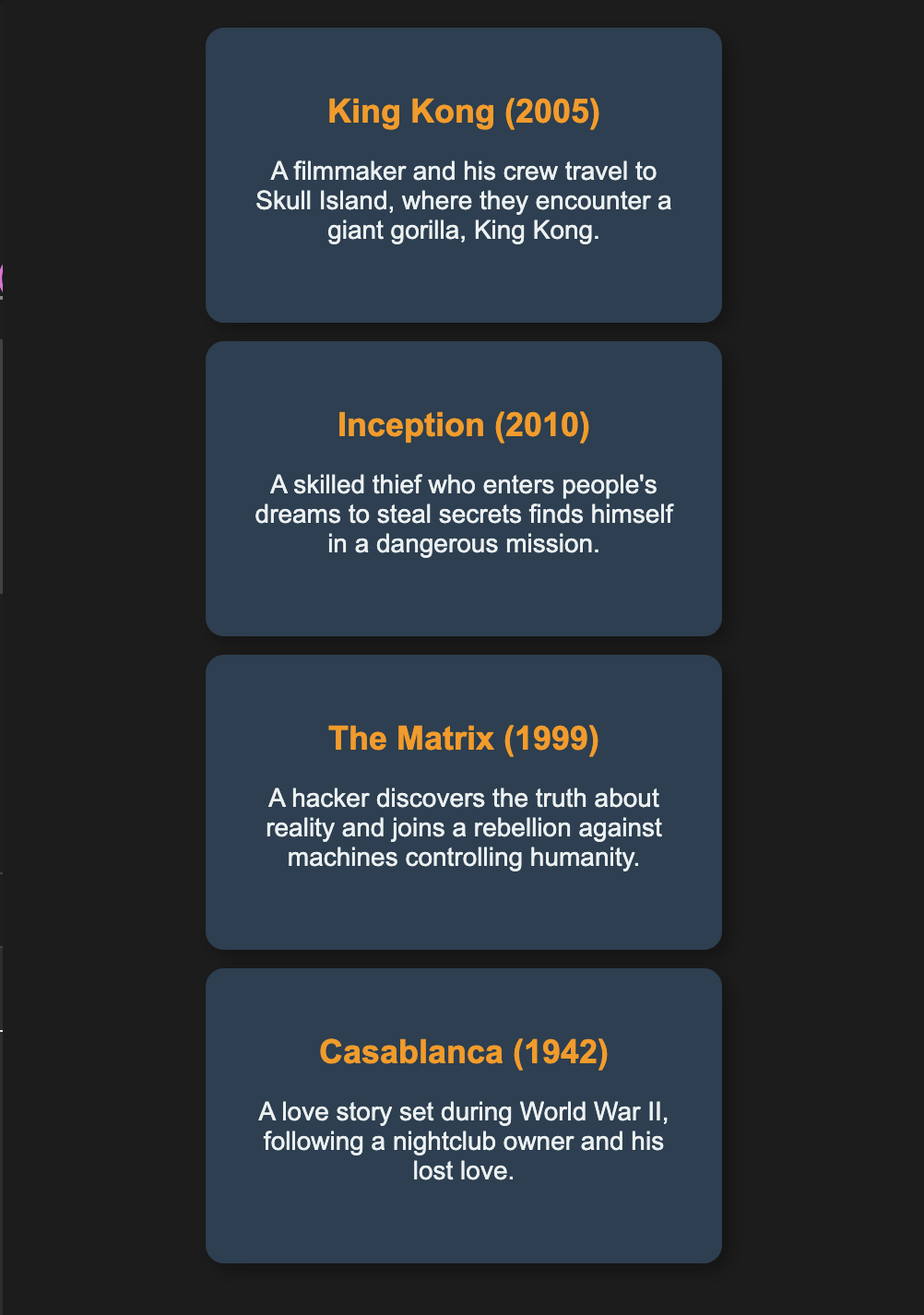
以下の手順に従ってください。
display: flex; flex-direction: column;を使って、映画カードを縦に並べます。justify-content: center;を使って、列を垂直方向の中央に配置します。align-items: center;を使って、カードを適切に配置します。- 各映画カードに固定サイズと柔らかな色を設定します。
- 各映画ボックスに
margin-bottomとpaddingを追加して、ボックス間に余白を作り、読みやすくします。 box-sizing: border-boxを適用して、意図しない余白の問題を防ぎます。overflow: autoを使って、カード内の余分なテキストを処理します。
デザインをより魅力的にするために、box-shadow、border-radius、font-familyや、見出しの文字色を変えるなど、自由に工夫してみてください。
自分で試してみよう
<html>
    <head>
        <title>Movies</title>
        <link rel="stylesheet" href="styles.css">
    </head>
    <body>
        <div class="movies">
            <div class="movie">
                <h2>King Kong (2005)</h2>
                <p>A filmmaker and his crew travel to Skull Island, where they encounter King Kong.</p>
            </div>
            <div class="movie">
                <h2>Inception (2010)</h2>
                <p>A thief who enters dreams to steal secrets faces his toughest mission yet.</p>
            </div>
            <div class="movie">
                <h2>The Matrix (1999)</h2>
                <p>A hacker learns the truth about reality and joins the fight against machines.</p>
            </div>
            <div class="movie">
                <h2>Casablanca (1942)</h2>
                <p>A nightclub owner is reunited with his lost love during World War II.</p>
            </div>
        </div>
    </body>
</html>CSSによるスタイリングのすべてのレッスン

自分で練習してみよう: Webプレイグラウンド